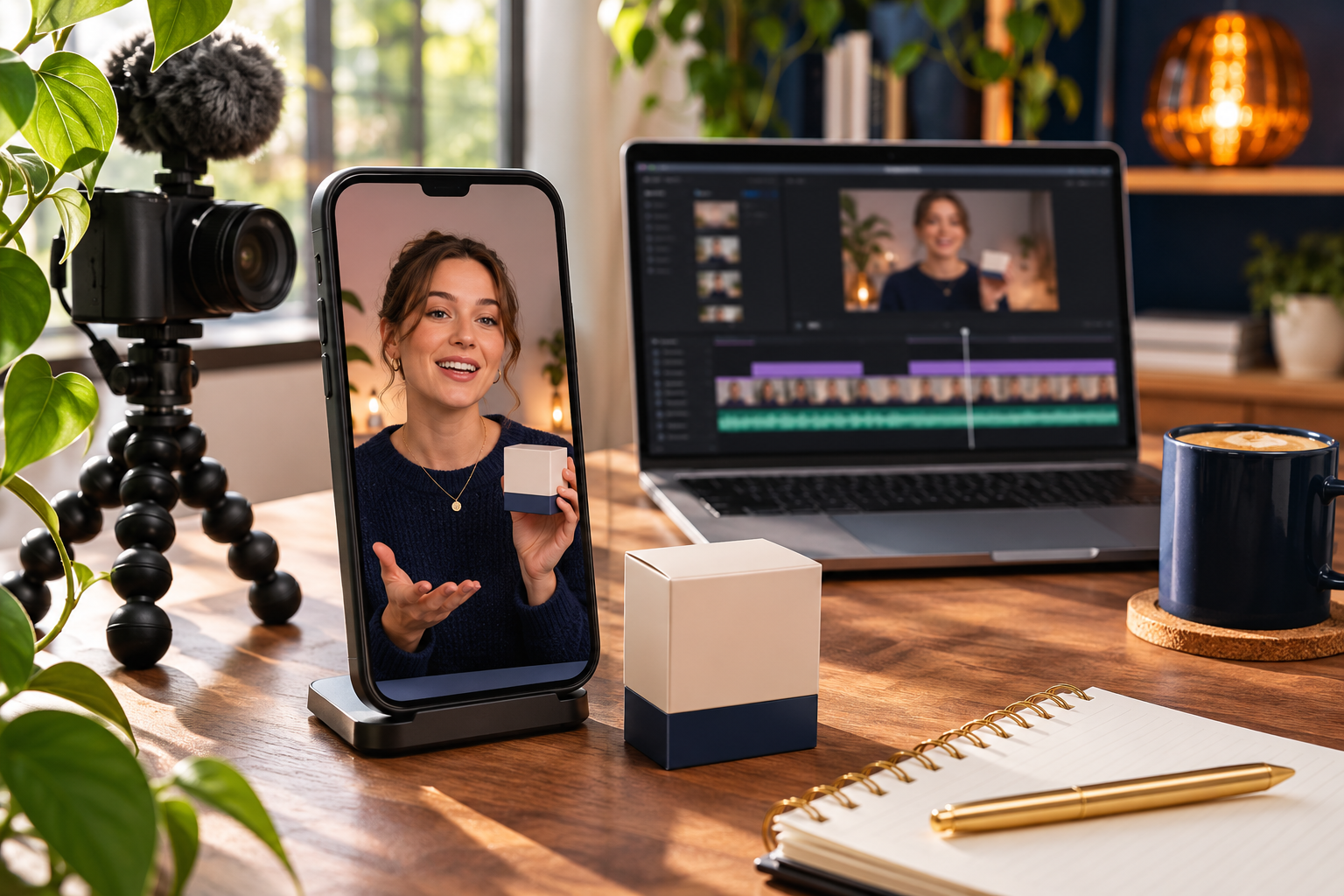
AI Viral UGC Review 2026 – Create Short-Form Product Videos with AI Presenters
A product page can explain what you sell. A short video can show why someone should care. The hard part for a small business is finding time to write the script, record the presenter, edit the footage and produce another version when the opening line falls flat. AI Viral UGC brings several of those steps into a browser-based workspace. It is designed for short, presenter-led product videos and ads you can make without filming yourself.
What Is AI Viral UGC?
AI Viral UGC is a video creation tool from Akshat Gupta. The name refers to the informal, direct-to-camera style often associated with user-generated content. Think of a short introduction that gets straight to the problem, shows a product or feature, and gives the viewer a clear next step. Here, the presenter is an AI avatar, so the result is best used for scripted product explanations, demonstrations or ad concepts.
According to the vendor, you can begin with a product URL or a written idea, then choose a virtual presenter and configure the script, voice and captions. The AI Viral UGC product page lists vertical Full HD MP4 output, a format aimed at TikTok, Instagram Reels and YouTube Shorts. The feature overview here is based on the vendor’s public materials. The examples below illustrate ways to use the tool in your own workflow.
Test Different Openings for the Same Product
The most appealing use is making several versions of the same message. Say you sell a downloadable spreadsheet that helps online sellers calculate the margin on an order. One video could open with a question about shipping charges. Another could show how a small platform fee affects profit. A third could speak directly to someone pricing a new product for the first time. The underlying offer stays the same, but each opening gives the viewer a different reason to pay attention.
Write the three openings first. Keep the body and closing line consistent, then generate the versions with the same presenter. That gives you a more useful comparison than changing the avatar, music, caption style and offer all at once. If a version performs better, you have a clearer idea of what to try next. The same method works for a new product, an explainer you already use or a campaign that needs fresh creative.
The other advantage is flexibility after the first draft. If a price changes or you discover that a line sounds stiff when spoken, you can revise the script and render a new version. For a recurring campaign, keep a copy of each script and record which version it belongs to. That makes it easy to reuse the strongest opening when you film a product demo or prepare an ad for a different audience.
How to Make Your First Product Video
Start with one customer question
Pick a question you can answer in a few sentences. For a digital template, it might be how to get started after downloading it. For a physical product, explain one specific use and include a genuine close-up of the item where your editing workflow allows. A single clear answer is easier to follow on a phone than a list of everything the product can do.
Review the generated script before recording
The vendor describes a script writer that can turn an idea or link into a draft. Use the draft to get moving, then verify every price, claim and product detail against your own materials. Read it aloud. Replace phrases you would never say yourself and give the presenter one job per sentence. A short direction such as “See the example on the product page” also gives viewers a clear next step.
Choose a presenter, voice and captions
Pick the voice for clarity and fit with your audience. Pay attention to how it pronounces your brand, product name and any numbers. Captions should be easy to read at phone size and leave room for the platform’s controls. The vendor advertises multiple languages and accents. If you are producing a second language version, have someone who speaks it review the wording and pronunciation before publishing.
Watch the export on a phone
Play the file once with sound and once on mute. Check the first few seconds, the subtitle breaks and the final call to action. If the clip shows an interface, make sure the feature being discussed is visible. If you use an AI presenter, give it a straightforward role as a presenter. Customer quotes, product demonstrations and claims should reflect real supporting material. Check the destination platform’s current requirements for synthetic content before uploading.
Who Can Use AI Viral UGC?
Online sellers can use it to develop a simple video around a product feature, create an FAQ clip, or try different openings for the same listing. It is especially interesting if you have good product photos or screen recordings and need a presenter-led introduction to tie them together.
Affiliate publishers could build a short explainer around one question from a longer product article. For example, a video could explain who a tool suits and what to check in the plan before purchasing. The article can carry the detail, while the video gives viewers a useful introduction and a clear reason to read further.
Freelancers and small agencies can use it to prototype ideas before committing to a full shoot. A sample script and a rough video can make a client discussion more concrete. If you plan to deliver the generated video as paid client work, review the license for the exact plan, including the avatar, audio and any assets you add.
Pricing and Commercial Use
The AI Viral UGC offer was listed at a one-time launch price of US$14.95 when reviewed on November 26, 2026. Use the Launchpad checkout to confirm the current price and payment terms. You can put the offer in context by planning your first batch. A shop owner might prepare one product introduction, one answer to a common question and one new opening for an existing ad. That gives you three clear jobs for the tool and a practical way to measure the time it saves.
The vendor also advertises commercial use and Full HD MP4 export. If you are creating videos for a client, confirm the license covers your intended use. You can then agree on a short brief with the client and send a first cut for approval before producing the rest of the batch.
Platform Feature Highlights
| Feature | What It Does | Business Benefit |
|---|---|---|
| Product URL or written brief | Starts a draft script from your input. | Get a first draft for a product demo or ad. |
| AI presenter and voice | Offers virtual presenters and a choice of voices. | Keep the presentation consistent across variants. |
| Captions | Adds on-screen text to the spoken script. | Make the message readable with sound off. |
| Vertical Full HD MP4 | Creates a 9:16 video file, according to the vendor. | Prepare clips for TikTok, Reels and Shorts. |
Final Verdict – Is AI Viral UGC Worth a Look?
Yes, particularly if you already know what you want to promote and need a simpler way to turn your message into short vertical videos. Start with one product, one audience and two different openings. Look at how much editing the first clip needs and whether the finished result is something you are comfortable publishing. From there, you can decide which parts of the workflow to use for your next campaign.
Affiliate disclosure. CashBusiness may earn a commission if you buy through the link below.






Leave a Reply